Blog
30 Minute
Gemini Omni Reviewed: What Works, What Still Does Not
Google DeepMind has released Gemini Omni, a model built around video that lets you create and edit footage just by talking to it. If you make content with AI, this is one of the releases worth paying attention to this year. It also comes with the usual gap between what a demo reel promises and what survives a client deadline.
We make commercial and brand films with AI every day, so we put Omni through real production work instead of judging it from the showreel. Here is what we found. What Gemini Omni is, what it does well, where it still falls down, and how it slots into a pipeline that has to deliver for paying clients.
What is Gemini Omni?
Gemini Omni is Google DeepMind’s model for making and editing video. Google sums it up as “create anything from any input, starting with video,” but the line that actually explains it is their own shorthand: Omni is Nano Banana for video.
So the workflow you might know from Nano Banana on the image side now applies to motion. You shape a clip by talking to it. Each instruction refines the last result and the scene stays consistent, so you are guiding footage through a conversation rather than generating it fresh every time you want a change. Anyone who read our comparison of Nano Banana Pro and Flux.2 will recognize the approach straight away.
What Gemini Omni can actually do
Past the marketing, these are the things that matter to a working team.
Conversational editing. You make changes one at a time in plain language, and each one builds on the last while the scene holds together. Shift the camera angle, make an object vanish, restyle the room, and the shot does not drift into something unrecognizable.
Physics and knowledge it can reason about. Because Omni runs on Gemini, it understands gravity, momentum and how fluids move, plus a working knowledge of history, biology and how stories are put together. Motion looks more believable, and explainer style sequences hold up.
References of any kind. Feed it an image, some text, a video or an audio clip and it pulls those into one coherent result, whether that means borrowing a motion, matching a style or grounding a shot in a real photo.
Swapping objects and characters. Replace a person, a prop or a product just by describing the swap, with the rest of the scene left intact. This is close to work we already do in post, such as our process for removing unwanted objects from footage with Kling O1, and Omni gives us another way in through conversation.
Sketches and synced text. Rough drawings can steer how things move, and the model can tie text to whatever is happening on screen instead of pasting captions over the top.
Where you can use Gemini Omni
For now Omni lives in the Gemini app, Google Flow and YouTube Shorts. You need a Google AI subscription to use it, and Google says the features change depending on your plan and your country. If you are weighing it up for client work, check what your own subscription unlocks before you promise anything.
Our honest take after using it
The demos are impressive. A demo and a finished deliverable are not the same thing, though, so here is the version we would give a colleague after actually running it. We have broken our findings into what works and what still does not.
What got better
- AI UGC is the best use case. If you need the kind of social and ad content brands burn through in volume, this is where Omni shines most. It is the first thing we would reach for it to do.
- Prompt adherence has jumped. The accuracy from prompt to output is noticeably tighter than earlier Veo models, so you spend far less time fighting the tool to get what you actually asked for.
- Motion graphics look great. This is one of the strongest areas in our testing and holds up well for polished, designed sequences.
- Agent mode is a useful new feature. It is a welcome addition that takes more of the busywork off your hands, even if it is still early.
- Voices have improved. Voices have improved too, more natural and usable than the previous generation, and they hold up well for the social and ad content this model is built for. That said, when a voiceover needs to carry real performance, we are currently testing Gemini 3.1 Flash TTS to see how far we can push directed tone and delivery.
- Ugly deformations are fixed. The melting hands and warped faces that used to wreck a shot are basically gone now.
- Human realism is better than expected. Faces carry far more believable subtle expression, and the smaller body movements and mechanics read as natural rather than stiff or robotic.
- Physics has improved. Objects behave more like they actually should, which makes scenes feel more grounded.
- Video editing impressed us. The conversational editing is genuinely strong, though we would not call it perfect.
Where it still falls short
- Complex motion is still rough. Calm human shots hold up, but throw fast or busy movement at it and things break down. We would not call motion a solved problem yet.
- Rendering quality has not moved on. The physics got smarter, but the actual image fidelity is the same as before. Smarter behaviour, same level of detail.
- The image leans too sharp and contrasty. It comes out unnecessarily sharp and high in contrast, which reads digital rather than filmic, so for brand work we usually end up pulling that back in the grade.
The short version is that Omni now does a lot more of the heavy lifting than it used to, and none of the caveats above is a dealbreaker. We walk through exactly how and where we use it in the video. The parts that decide whether a brand film actually lands, holding quality across a full sequence, matching a brand exactly, and having someone answerable for the result, still come down to the team directing it. That is why directed production still earns its keep.
How it fits a real pipeline
We do not bet on one model. Different shots call for different tools, so we test what is out there and pick whatever does the job. Omni now sits in that kit next to Veo, Runway and Kling.
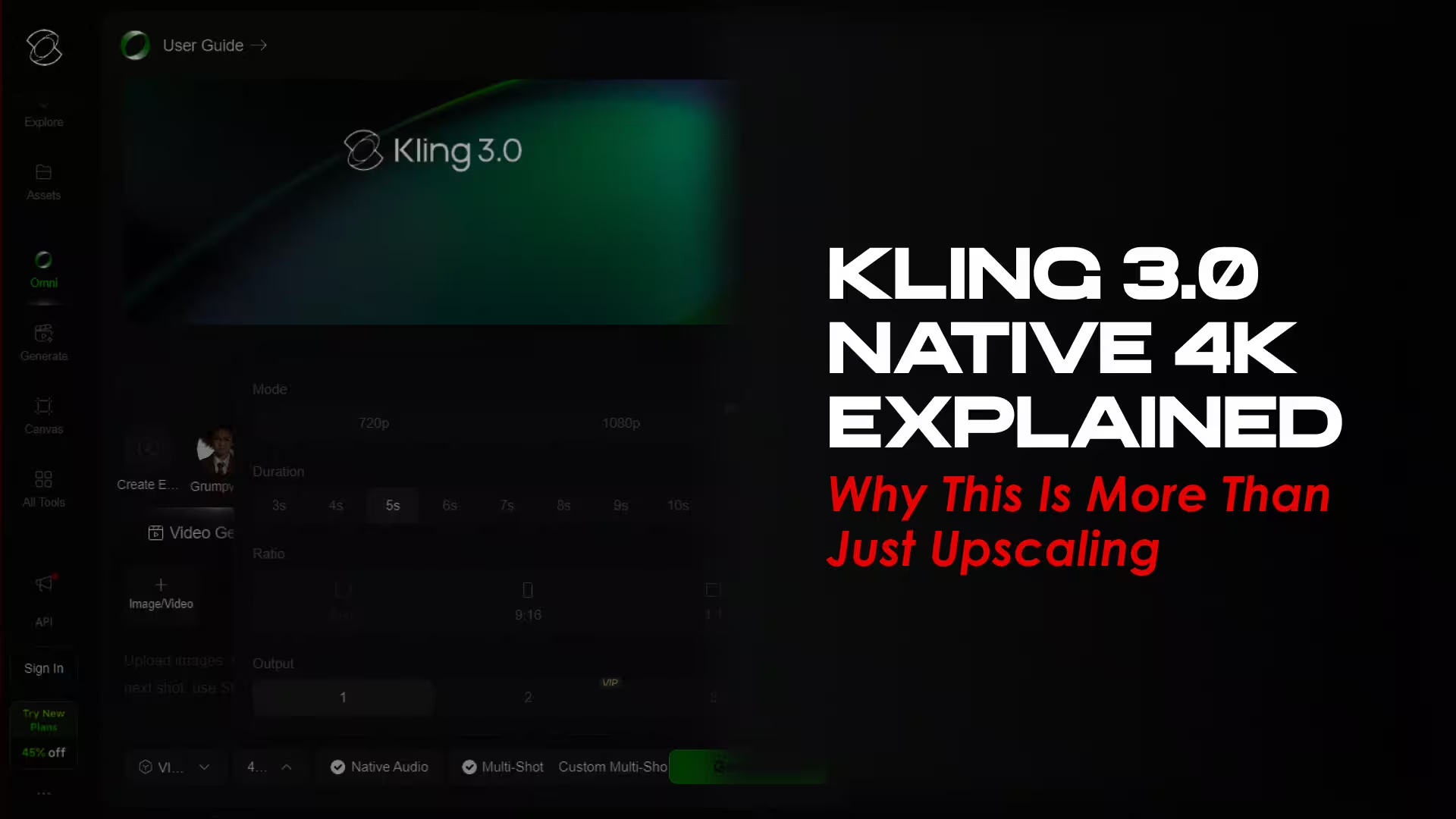
Where Omni shines are conversational editing and working from references. For other jobs we go elsewhere. When resolution is the priority, Kling 3.0 and its native 4K output takes a whole upscaling step out of the process. For stills we weigh the options the way we did in our Nano Banana Pro and ChatGPT Image 1.5 comparison. The model on its own is never the product. The pipeline around it is, and that means direction, taste, brand sense and someone checking the work.
A quick word on trust
This part gets overlooked. Anything you make or edit with Omni inside the Gemini app, Google Flow or YouTube carries Google’s invisible SynthID watermark along with C2PA Content Credentials, so the footage can be flagged as made with AI and its origin checked.
For brand work that is a good thing. Being open about how something was produced is becoming part of doing this responsibly, and knowing how your footage is labelled, then being able to explain it, is part of using these tools like a professional.
So, is it worth it?
Gemini Omni is a real step forward for talking your way through a video edit, and it lowers the bar for making polished motion content. That lower bar is exactly why the value moves up the chain. Once anyone can run the tool, what sets work apart is judgement, consistency and someone owning the result.
If you are experimenting, give it a go. If you are putting a film in front of customers, investors or a launch crowd, treat the model as one ingredient. The result still comes down to whoever is directing it.
Frequently asked questions
Is Gemini Omni free? No. You need a Google AI subscription, and what you get depends on your plan and region.
Is Gemini Omni better than Veo? They do different jobs. Omni is built for editing across turns and combining references. Veo leans toward cinematic clip generation. In practice they work together rather than replace each other.
Can Gemini Omni edit videos I already have? Yes, that is its strong suit. You can edit real footage in stages through plain language while the scene stays consistent.
Does Gemini Omni watermark what it makes? Yes. Output carries an invisible SynthID watermark and C2PA Content Credentials so its origin can be verified.
Work with a team that makes AI video deliverable
Storia is an AI video production company. We bring together filmmakers, software engineers and brand specialists, and our team has won awards for the work. We test every major model, Gemini Omni included, so you do not have to, and we wrap them in the direction and quality control that brand work needs. Let’s talk about your next film.